$48.77
$74.13
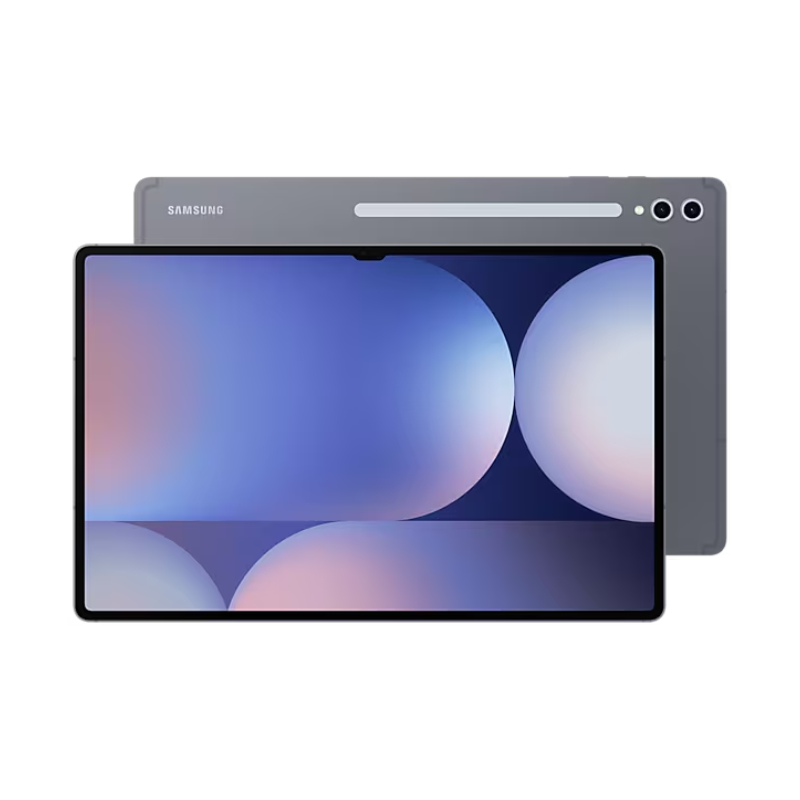
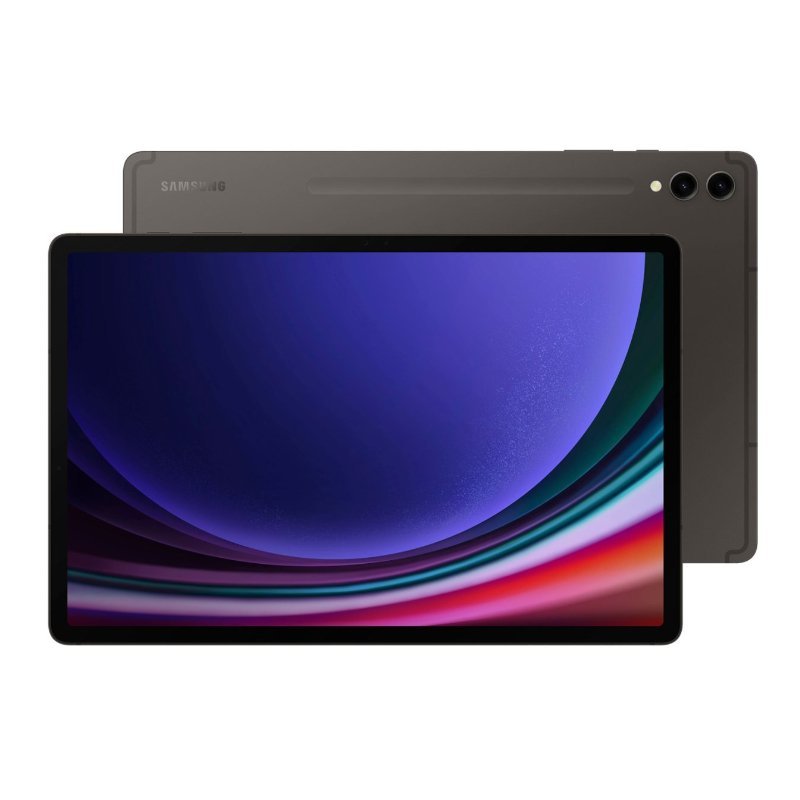
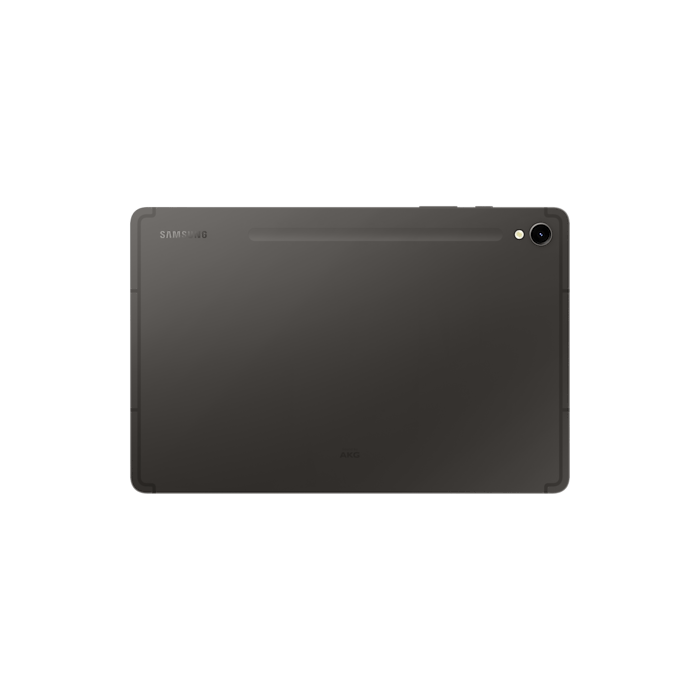
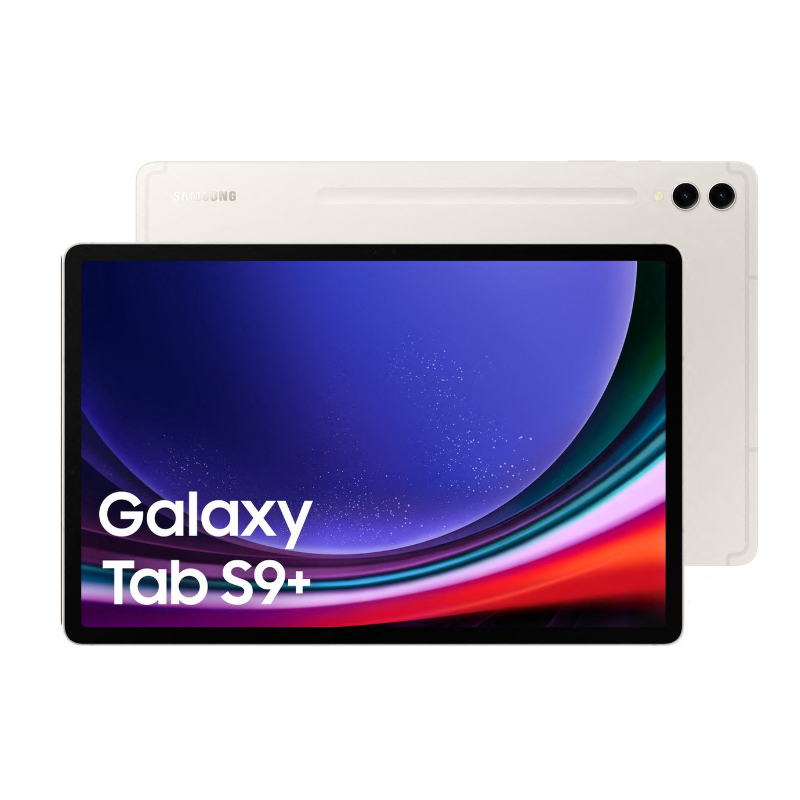
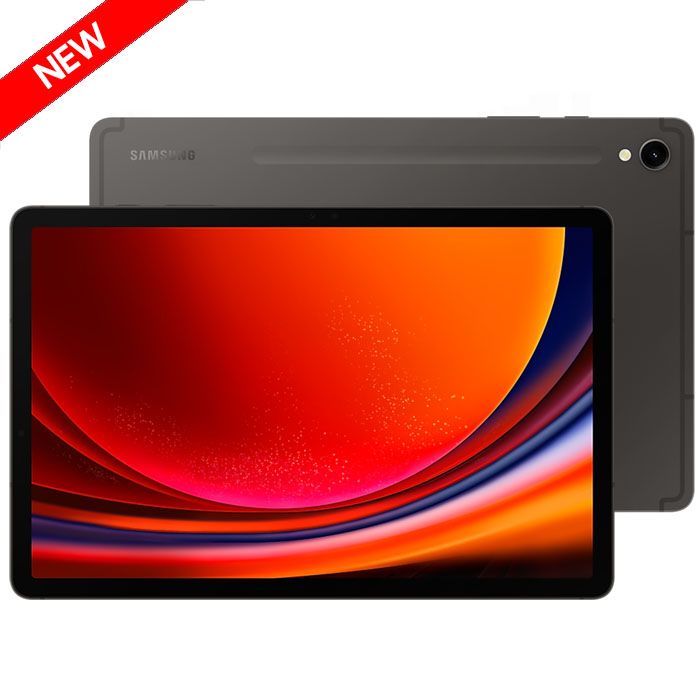
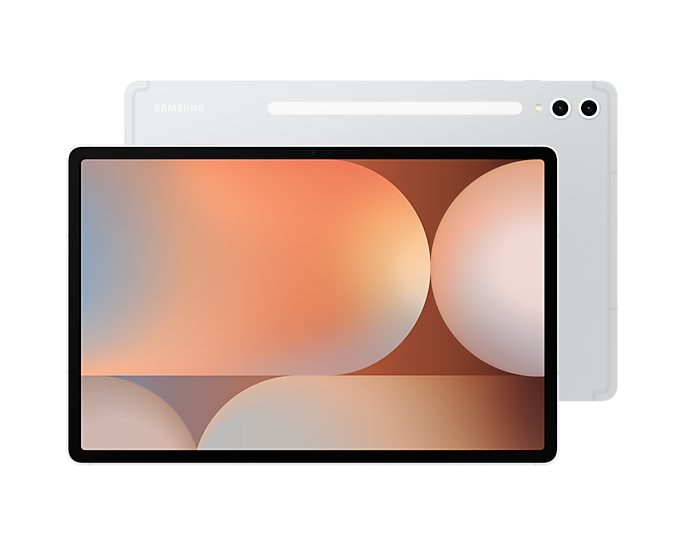
*Image simulated. Color and model availability may vary depending on country or carrier. *Galaxy Tab S9, Tab S9 , Tab S9 Ultra are rated as IP68. Based on test condition for submersion in up to 1.5 meter of fresh water for up to 30 mins. Not advised for beach or pool use. Our largest Dynamic AMOLED 2X tablet.More durable than ever and water resistant.1 Our most powerful S Pen.2 Unrivaled Snapdragon® 8 Gen 2 performance. Galaxy Tab S9 Series The new standard of premium tablets DESIGN DURABILITY S PEN DISPLAY ACCESSORIES Note Assist Summarise Notes in the blink of an AI Using AI-assisted features just got easier with Galaxy Tab S9 Series’ large display. Whether you’re typing up a storm or jotting something down, Note Assist makes a long story short. Simply start writing, and format it into a clear, easy-to-review summary later. And when you’re looking for an old note, the new covers show simple summaries — keeping your screen looking organized. *Note Assist is only available on One UI 6.1 and Samsung Note 4.4.17. or above. Note Assist requires a network connection and Samsung Account login. Character limit applies. Service availability may vary by language. Accuracy of results is not guaranteed. Actual UI may different. Photo Assist Resize it, Retouch it. Just like that Something out of place? Just move it in post. Using AI-assisted features just got easier with Galaxy Tab S9 Series’ large display. New AI-powered editing options let you get the photo you wanted, like relocating objects and intelligently filling in the space they left behind. *Generative Edit is only available on One UI 6.1 and Photo editor 3.4.21 or above. Generative Edit requires a network connection and Samsung Account login. Editing with Generative Edit results in a resized photo up to 12MP. A visible watermark is overlaid on the image output upon saving in order to indicate that the image is generated by AI. The accuracy and reliability of the generated output is not guaranteed. Actual UI may different. Circle to Search Circle it, find it. Just like that Experience Circle to Search with Google and search like never before. Simply circle around an object to get Google Search results. It’s a new visual way to find what you’re looking for. Search like never before with Circle to Search thanks to Google. *Sequences shortened and simulated. Results for illustrative purposes only. Results may vary depending on visual matches. Requires internet connection. Users may need to update Android to the latest version. Product functionality may be dependent on your app and device settings. Some functions may not be compatible with certain apps. Availability of the service varies by country and language. Accuracy of results is not guaranteed. Dynamic AMOLED 2X. Uniform brilliance A Galaxy Tab S9 Series device with its screen facing down rising up to stand upright in Landscape mode with a blue wallpaper onscreen highlighting its large display. Three sizes. Choose between 3 different sizes to suit your professional and creative needs.5 *The weight stated above is based on Wi-Fi model. Galaxy Tab S9, S9 and S9 Ultra in Graphite appear from left to right in Landscape mode, overlapping each other with their back facing forward. Samsung logo is shown on the top left of each device. Galaxy Tab S9, S9 and S9 Ultra in Beige appear from left to right in Landscape mode, overlapping each other with their back facing forward. Samsung logo is shown on the top left of each device. Compare Tab S9 series Tab S9 Ultra Tab S9 Tab S9 Display 14.6″ 12.4″ 11″ Weight 732g 581g 498g Thickness 5.5mm 5.7mm 5.9mm Get a crystal-clear, comfortable view with Dynamic AMOLED 2X Whether you choose Galaxy Tab S9, Galaxy Tab S9 or Galaxy Tab S9 Ultra, each is ready to bring your creative vision to life. All three feature a Dynamic AMOLED 2X display, delivering stunning color and visuals. Plus, it’s easy on the eyes with reduced blue light emission. *Screen image simulated for illustrative purposes. Galaxy Tab S9, S9 and S9 Ultra in Graphite are placed next to each other in Landscape mode with their front facing forward and a blue wallpaper shown on all screens. Unified design. The beauty is in the details Camera 12MP Front Wide 12MP Front Ultra Wide 8MP Main Ultra Wide 13MP Main Wide Speakers SpeakersMicrophone Tab S9 Tab S9 Tab S9 Ultra Side Button Power ButtonSound Button Tab S9 Tab S9 Tab S9 Ultra It’s always the smallest things that matter most. Like the floating camera design on the back — crafted to elegantly encapsulate the upgraded camera system. We even reimagined the side buttons and speaker arrangement to feel more familiar. *The image depicts features of Galaxy Tab S9 Ultra. *Compared to Galaxy Tab S8 Ultra, Tab S9 Ultra features an upgraded 13MP and 8MP rear camera and 12MP and 12MP Ultra Wide front camera. Compared to Galaxy Tab S8 , Tab S9 features an upgraded 13MP and 8MP rear camera and 12MP Ultra Wide front camera. Galaxy Tab S9 features a 13MP rear camera and 12MP Ultra Wide front camera. Vibrant hues. Stunning views Everything on screen is lifelike with the high-resolution Dynamic AMOLED 2X display. Details are crisp and clear with a wide range of vivid colors and true blacks thanks to HDR10 enhanced visuals and smooth scrolling at up to 120Hz refresh rate. *Screen image simulated for illustrative purposes. Dynamic AMOLED 2XSmooth 120Hz display Level up your playwith epic, cinematic visuals The Galaxy Tab S9 Series delivers an engrossing, photo-realistic gaming experience on the Tab’s expansive screen for marathon playthroughs. The experience is heightened with immersive audio from the quad AKG speaker system and Dolby Atmos surround sound. *Screen image simulated for illustrative purposes. The first water and dust-resistant Galaxy S tablet Two Galaxy Tab S9 Series devices in Graphite are floating in mid-air at an angle opposing each other with the front and back visible. Splashes of water are surrounding the two devices. When the day gets tough, the Galaxy Tab S9 Series stays sturdy and durable. The smooth metal design is suited up with our strongest Armor Aluminum frame. And the IP68 rating means it’s our first water and dust-resistant Galaxy Tab S Series ever. S Pen. Stronger, faster, more responsive IP68 certification Optimal click We rebuilt the included S Pen to be IP68 water resistant just like the tablet. It’s also improved across the board, with enhanced tip sensitivity for less accidental clicks. And with the magnetic attachment and bidirectional charging, just snap it on to charge. Better together S Pen Enhanced outdoor viewing with Vision Booster Vision Booster lets you see your screen clearly in brightly lit areas thanks to an intelligent outdoor algorithm that detects the sun’s glow and shifts to match. Go between the studio and patio with ease thanks to contrast and color enhancements to keep things vibrant. *Image simulated for illustrative purposes. Actual UI may be different. A Galaxy Tab S9 Ultra displaying at full screen rays of sunlight over a mountain captured by its camera and the glare gradually reducing to show a clearer image thanks to Vision Booster. Next-gen processor for next-level, lifelike gaming The extremely fast Snapdragon® 8 Gen 2 for Galaxy processor is intelligently engineered to deliver revved-up performance and power savings for champion-level gameplay. The graphics engine powers true-to-life reflections and shadows in 3D gaming environments for immersive gaming. *Screen image simulated for illustrative purposes. Stay creative on the move with a long-lasting battery Keep the creative juices flowing with the long-lasting battery. It’s got enough power to get you through your day and even spare some in case your phone needs a boost, too. Plug in your Samsung Galaxy smartphone with a USB-C cable and charging takes care of the rest. A Galaxy Z Flip5 device connected with a Type-C cable is being charged from a Galaxy Tab S9 Series device. Store all your inspiration with microSD support With up to 256GB internal storage, sketch your masterpiece with GoodNotes, then grab your microSD to add on more storage in case you need even more room for your videos, compositions, hi-res photos and more. Storage up to 256GBMicroSD support up to 1TB GOODNOTESGet 1 year free full version Elevate your notetaking, optimized for the big screen GOODNOTESGet 1 year free full version Let your imagination run wild on pro-level notetaking with GoodNotes — optimized to provide a seamless S Pen experience and feel of writing on actual paper. Sketch in portrait view and edit in horizontal view, or vice versa. *Image simulated for illustrative purposes. Actual UI may be different. *Galaxy Tab S9 Series in Beige comes with a Beige S Pen. Put S Pen to paper with the NotePaper Screen With the NotePaper Screen, writing is the next best thing to pen and paper. Add in S Pen — the ultimate drawing tool to elevate your canvas. It is sensitive to pressure and tilt, allowing you to create detailed sketches and illustrations with precision and control. *Image simulated for illustrative purposes. Actual UI may be different. Note taking justgot more noteworthy Amp up your productivity with S Pen’s enhanced note-taking functions. Quickly jot down novel ideas or make a quick diagram to get your point across. And with S Pen to Text, you can seamlessly turn your handwriting into text input in a wide range of apps like Google, Messages, Maps and more. *Image simulated for illustrative purposes. Actual UI may be different. Live collaboration comes toSamsung Notes Pull your teammates in for a brainstorming session, facilitated by S Pen and Samsung Notes. Share notes between Samsung Galaxy devices to edit content in real time directly in the app. You can even scan multi-page documents easily and save them in Gallery to pull them up during video calls. *Image simulated for illustrative purposes. Actual UI may be different. S Pen is used in the Samsung Notes app on a Galaxy Tab S9 series device in Landscape mode to make a car image bigger. In front, the same note is open in the Samsung Notes app on an unfolded Galaxy Z Fold5 device with the car image getting bigger at the same time as on the tablet. Plus up your tablet experience A Galaxy Tab S9 series device with Book Cover Keyboard on unfolding to make the display and keyboard visible. S Pen appears from the bottom. Another Galaxy Tab S9 series device with Smart Book Cover on appears from the right. Another Galaxy Tab S9 series device with Privacy Screen on appears from the left. Get a PC-like experience with a single snap Attach the Book Cover Keyboard to topple your to-do lists with ease. Fully backlit with function keys and a trackpad, it supports DeX mode for a seamless PC-like experience. Assign app shortcuts to up your efficiency and connect wirelessly to other Samsung Galaxy devices to type smoothly on any screen.26,27,28,29,30,31* Keyboard cover sold seperately. The Smart Book Cover stands all on its own Find the most comfortable position for whatever you’re doing with a simple adjustment of the foldable Smart Book Cover. Set your Galaxy Tab S9, S9 or S9 Ultra up vertically or horizontally for an easel-esque balance, or a hands-free way to catch up on your shows. *Smart Book Cover sold separately. Better together Smart Book Cover Shoot on your phone,share it to your tablet Move massive files from one Samsung Galaxy device to another in a flash with Quick Share.32 Open up LumaFusion to take advantage of the expansive screen to edit, cut and add final touches with precision.33 *Image simulated for illustrative purposes. Actual UI may be different. Front view of an unfolded Galaxy Z Flip5 with a recorded video onscreen being edited with the LumaFusion app that is synchronized with a Galaxy Tab S9 device. Streamline creativity and multitasking Painting on your tablet just got easier with the newly-added Simple Mode on Clip Studio Paint. Elevate multitasking with your smartphone by using Multi Control that allows you to drag and drop images between the devices, or instantly transfer files from your smartphone and continue editing on your tablet. *Image simulated for illustrative purposes. Actual UI may be different. *Book Cover Keyboard sold separately. Galaxy Z Flip5 sold separately. *Clip Studio Paint membership required. Preload supported in select markets. Clip Studio Paint can be downloaded from the Galaxy Store in select markets. CLIP STUDIO PAINT EXGet 6 months free Divide your screen. Multiply your productivity Conquer multiple tasks at once. You can sketch out architectural plans and choose captivating visuals and video chat — all on one screen without ever closing a window. *Image simulated for illustrative purposes. Actual UI may be different. *Book Cover Keyboard sold separately. *Google Meet and Microsoft 365 available for download at Google Play. Google Meet is a trademark of Google LLC. *Up to three apps available on display simultaneously.
Tablets